Akshar Patel (AP)
Product Manager, Airtable
Product Manager at Airtable
Enterprise AI features
No coding background
Started using AI coding tools in early 2025
40+ pull requests
27 features and fixes shipped to production
Prototypes → production code
Built and shipped using plain English
PM or product role
A founder building something
Tried an AI coding tool
ChatGPT, Claude, Cursor
Built a working prototype
and showed it to someone
chatgpt.com ← recommended
claude.ai
bolt.new
All free. Use whichever you prefer.
If you don’t have a preference, use ChatGPT.
By the end of this session, everyone will have built something.
“There’s a new kind of coding I call vibe coding, where you fully give in to the vibes, embrace exponentials, and forget that the code even exists.”
— Andrej Karpathy, founding member of OpenAI
Pick one that resonates. Or bring your own idea.
We have ~30 minutes. The goal is to get started, not to finish.
Monthly metrics, burn rate, runway. Something you can send instead of a spreadsheet.
Score features by impact and effort. Visual ranking your team can react to.
Log feedback, tag by theme, surface the top requests. Replace the messy spreadsheet.
Clickable signup and onboarding experience. Show your team the UX before writing a spec.
Enter salaries and attendees. Watch the cost tick up in real time. Great icebreaker.
Have your own idea? Even better. Bring the problem you've been thinking about all week.
Tell the AI your idea and ask it to help you plan. Don’t jump straight to building.
“I want to build a tool that helps who do what.
Before you build, ask me questions
and write a short plan.”
What it does (one sentence)
Who it’s for
3-5 features it needs
What the UI should feel like
Optional: Inspiration from other tools
Important: Save this plan as a separate document.
Google Doc, Notes app, whatever. Keep it outside the chat. This becomes your source of truth when conversations get long or you start fresh.
Take your plan and tell the AI to build it. Watch the magic happen.
“Great, now build it. Use the plan we just made.”
That’s it. One sentence. The plan does the heavy lifting.
AI guesses what you want. You spend 10 minutes
correcting things that should have been clear upfront.
AI has context, constraints, and features defined.
First output is 80% of the way there.
Don’t accept it. Talk to it like a colleague, not a search engine.
“Make it better”
AI doesn’t know what “better” means to you
“Fix the layout”
Which part? What’s wrong with it?
“The buttons are too small to tap”
Describe what you see and why it’s a problem
“The header feels too heavy for the page”
Talk about the experience, not the code
Don’t like it? Say “undo that” or “go back.” Nothing is permanent.
Ask the AI to review your prototype as if it were your intended audience.
“Pretend you’re a [founder / PM / user] seeing this for the first time. What’s confusing? What’s missing?”
You’re too close to your own work.
AI spots gaps you stopped seeing 5 minutes ago.
“Stack rank those by importance for a first demo.”
Not everything needs fixing.
Focus on what matters for your audience.
This is how PMs think. You already know how to prioritize. Now apply it to your prototype.
Work through your top priorities from the review. One at a time.
1. Pick the top priority from your list
2. Tell AI to fix it with specific feedback
3. Test it. Move to the next one.
See a red error? Copy it, paste it back.
That’s the fix 80% of the time.
Power move: give it a reference.
“Style it like Stripe’s pricing page”
Gone back and forth 3 times?
Start a new conversation.
Pro tip: Use Projects in ChatGPT or Claude.
Your planning doc persists across every conversation.
Raise your hand if you get stuck.
Everyone in this room just built working software.
Most of you don’t write code for a living.
Turn to your neighbor. Show them what you built.
If you want to share with the room, raise your hand.
Know the problem. Not the solution. What are you trying to make easier?
Find a reference. “Make it work like X” beats describing from scratch every time.
Describe what you want in plain English.
Test it. Click around. Break it.
React with short, specific feedback.
Repeat until it’s good enough to show someone.
Your PM skills are your edge.
Describing problems clearly, giving specific feedback,
knowing what good looks like — that’s the whole job.
Context rots. Your notes don’t. Keep a planning doc outside the chat.
Prototyping & MVPs — idea to testable in hours
Internal tools — dashboards, calculators, admin panels
Stakeholder communication — show, don’t tell
Learning — great way to understand tech
Security-critical code — real vulnerabilities
Complex backend — databases, permissions, auth
Production at scale — performance, edge cases
Anything you can’t verify — don’t ship it
Prototype freely. Ship carefully.
Put it in front of 3-5 real users.
Watch what they do, not what they say.
Iterate based on what you see.
Show your prototype in a meeting
instead of walking through a spec.
Let people react to something real.
When you’re ready to go to production,
bring in an engineer. Your prototype is
the spec. They build from what works.
What you built today (ChatGPT, Claude) — a clickable prototype you can show someone. Great for alignment and testing ideas.
When you’re ready to go further (Bolt, Lovable, Replit, Airtable) — these can take you straight to a deployed app with real data.
April 3
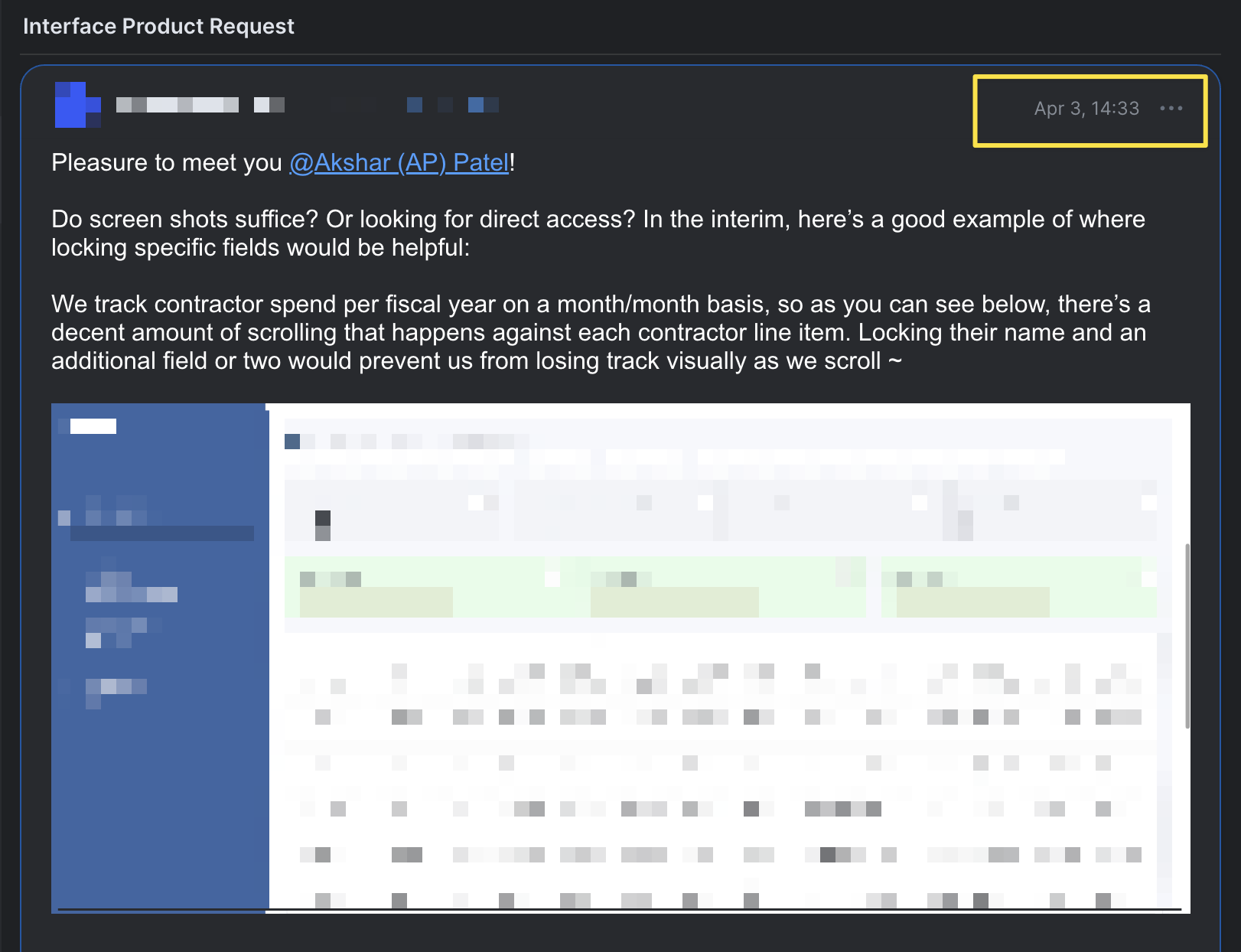
Customer requests feature
April 3
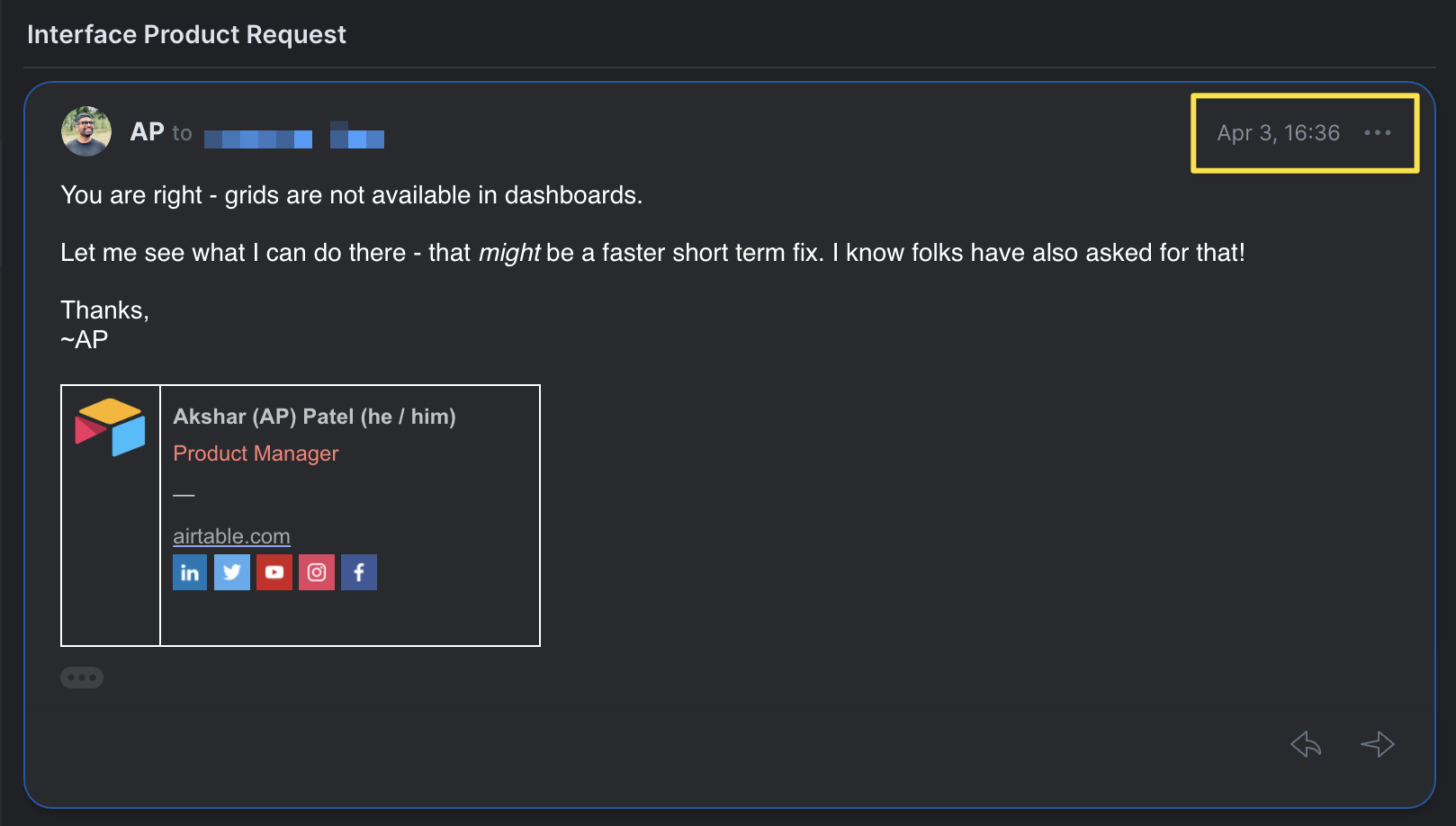
I reply: “Let me see what I can do”
The Process
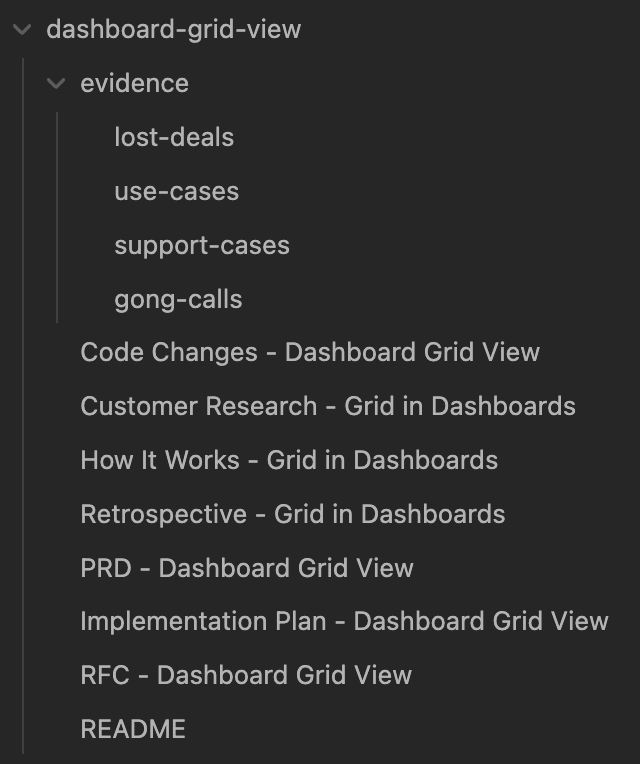
Research, plan, build, review
April 13
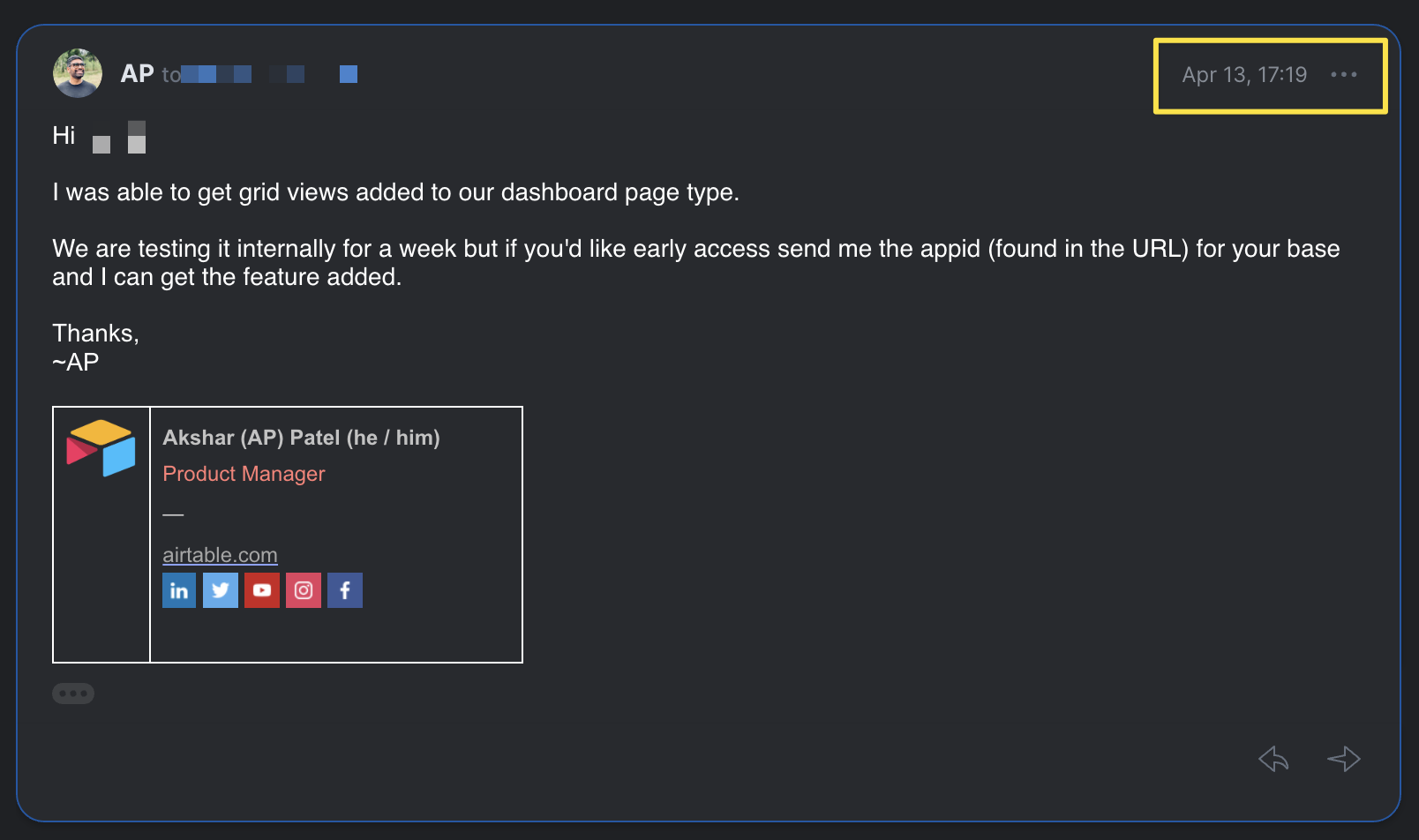
Feature shipped. Early access offered.
A PM with no coding background. Using the exact process you just learned.
Akshar Patel (AP)
Product Manager, Airtable
LinkedIn: linkedin.com/in/apatel13
Thank you for building with me today.